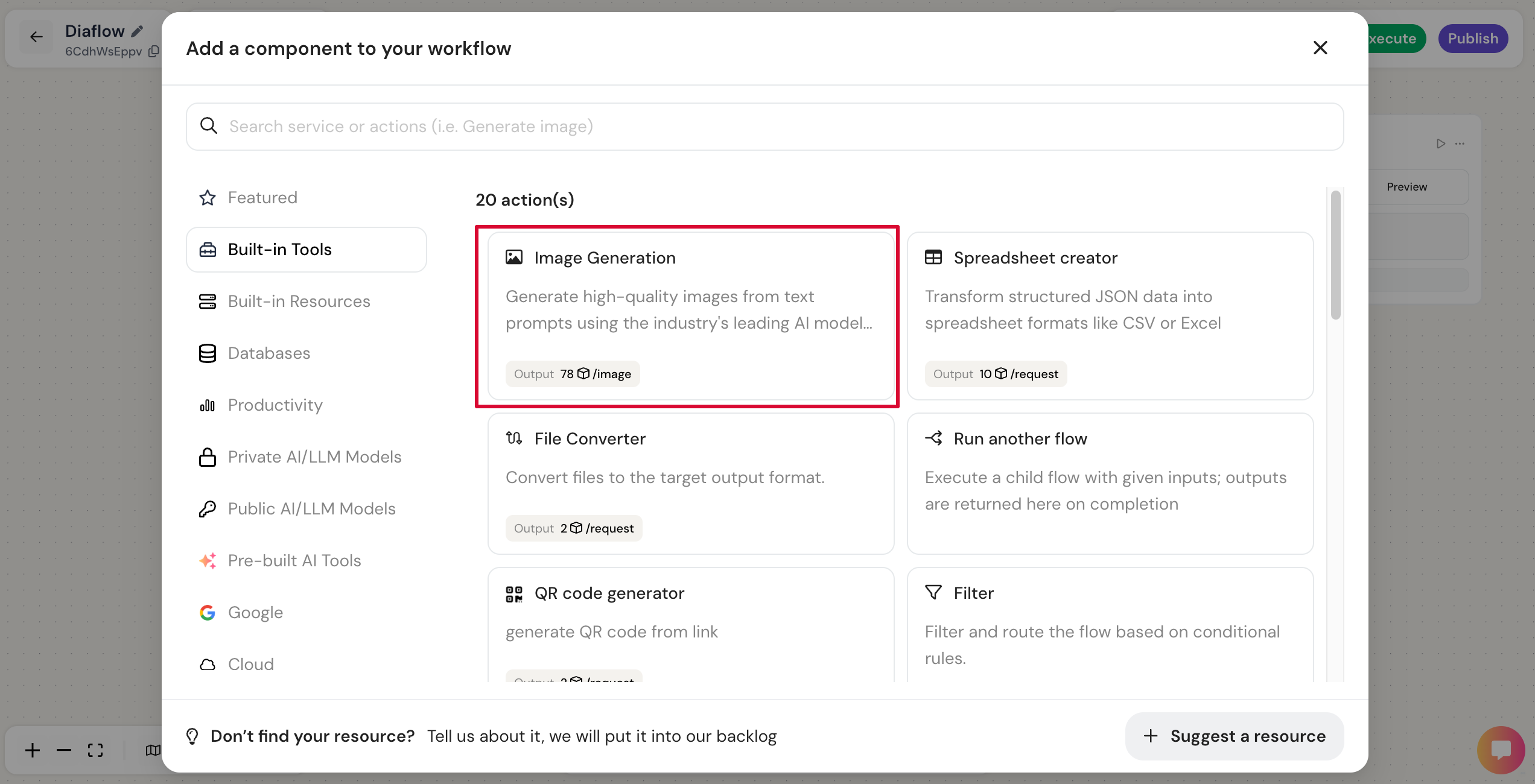
# Image Generation
## I. Description
This component allows you to transform text descriptions into professional-grade images. It leverages advanced AI models to interpret your prompts and generate visuals in various styles and ratios. With Diaflow’s integrated Private Key, you can access these powerful models immediately without needing your own API subscriptions.
Currently, this node supports the following high-performance models:
* Gemini - 2.5 Flash Image (Nano banana)
* BytePlus - Seedream 4.5
## II. Component settings
| Parameter Name | Description |
| ---------------- | ---------------------------------------------------------------------------------------------------------------------------------------------------------------------------------------------------------------------------------------------------------------------------------- |
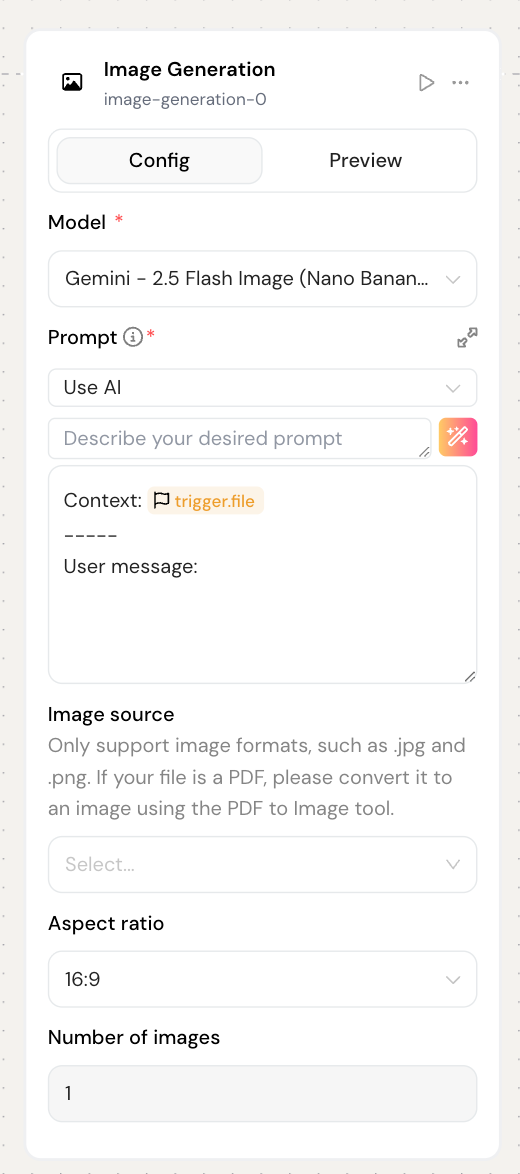
| Model |
This parameter specifies that the component should use.
Available values:
Gemini:
Flash 2.5 Image (Nano Banana)
BytePlus:
Seedream 4.5
|
| Prompt |
Describes how you want the component to respond.
For example, you can specify the role, manner and rules that component should adhere to. Also mention the component ID to connect the components.
|
| Image source |
This is used for "Image to Image."
You can refer to the image of the node before
\*\*Note: Only support image formats, such as .jpg and .png
|
| Aspect ratio |
Defines the dimensions of the generated image.
Select the ratio that fits your needs (e.g., 16:9 for landscape, 1:1 for square, 9:16 for mobile/portrait).
Specify how many variations of the image you want to generate in a single run.
Available values:
Gemini:
1
BytePlus:
1
2
3
4
|
## III. Use case
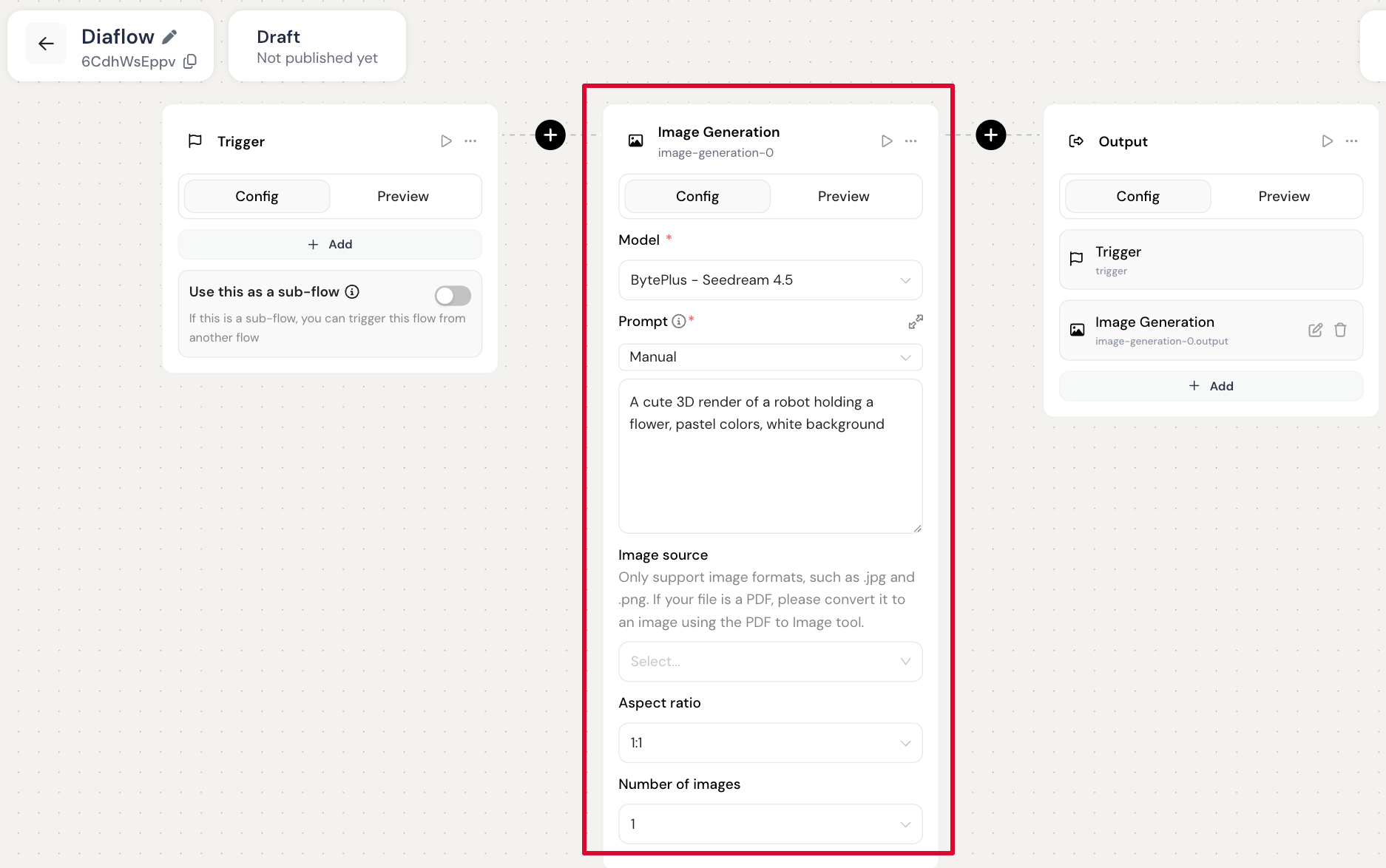
**Input:**
Set up the "Image Generation" node with:
* Model = BytePlus - Seedream 4.5
* Prompt = "A cute 3D render of a robot holding a flower, pastel colors, white background"
* Aspect ratio = 1:1
* Number of images = 1
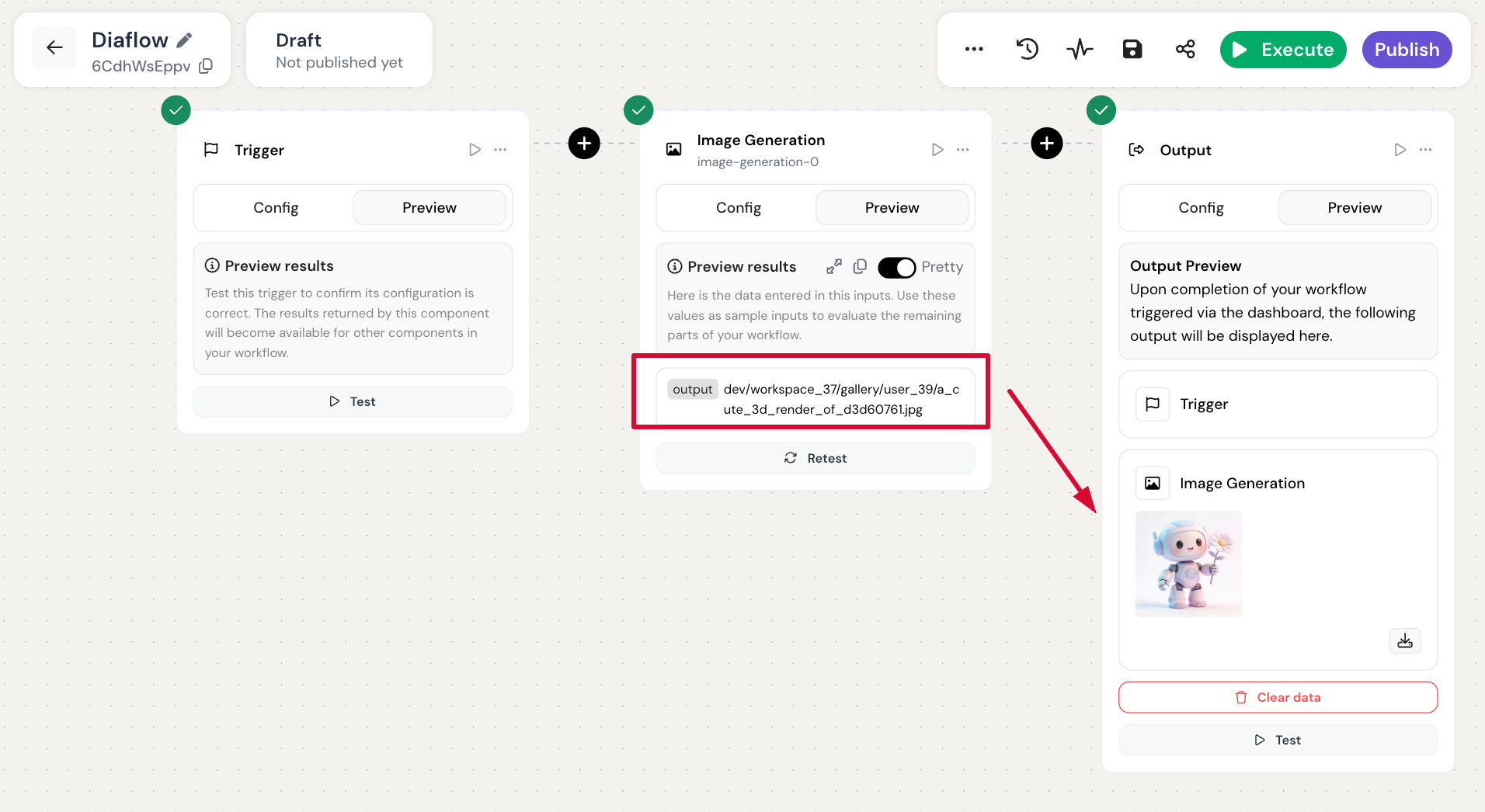
**Output:**
Once the node executes successfully, it will return an Image URL (or a list of URLs if multiple images were requested). You can map this output to subsequent nodes