> For the complete documentation index, see [llms.txt](https://docs.diaflow.io/llms.txt). Markdown versions of documentation pages are available by appending `.md` to page URLs; this page is available as [Markdown](https://docs.diaflow.io/workflow-builder/deployment.md).
# Deployment
*Caution:*
* *Just apply with "**AI Agents & Chatbots.**"*
After publishing "AI Chatbot & Agent,"
You can embed the "AI Chatbot & Agent" into your website.
Follow these steps:
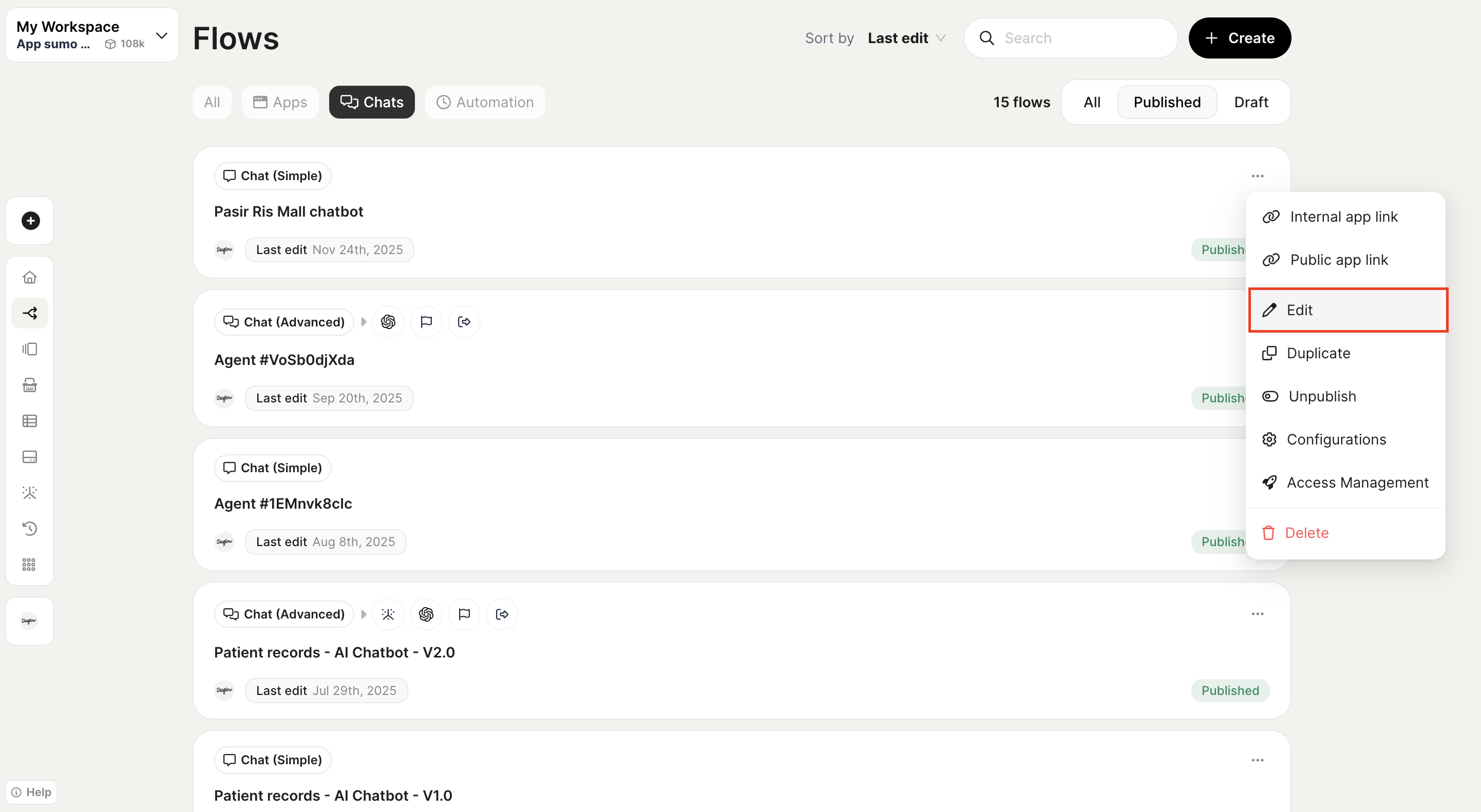
**Step 1:** Click the button "**Edit Flow**"
**Step 2:** At the sidebar, click icon "**Deployment**"
**Step 3:** At the "**Deployment Page**", you can view the information of:
* Access link
* Web gadget
* iFrame (Copy and paste the following code snippet into where you want to add to your website.)